The Return of Tactile Typing
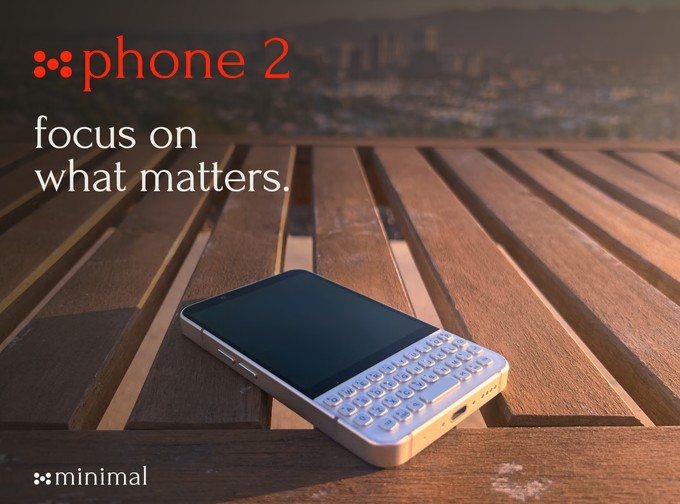
For those of us who still dream of the golden age of mobile communication, the last few years have felt like a long, glass-covered drought. While the industry moved toward monolithic touchscreens, a small but vocal contingent of enthusiasts never stopped missing the satisfying click of a physical key. Today, that wait is officially over for Android users. Clicks Technology, the brainchild of industry veterans Michael Fisher and Kevin Michaluk, has announced that its acclaimed physical keyboard cases are expanding beyond the iPhone to support the Google Pixel 9, Samsung Galaxy S25, and the Motorola Razr+.
Precision Engineering for Modern Devices
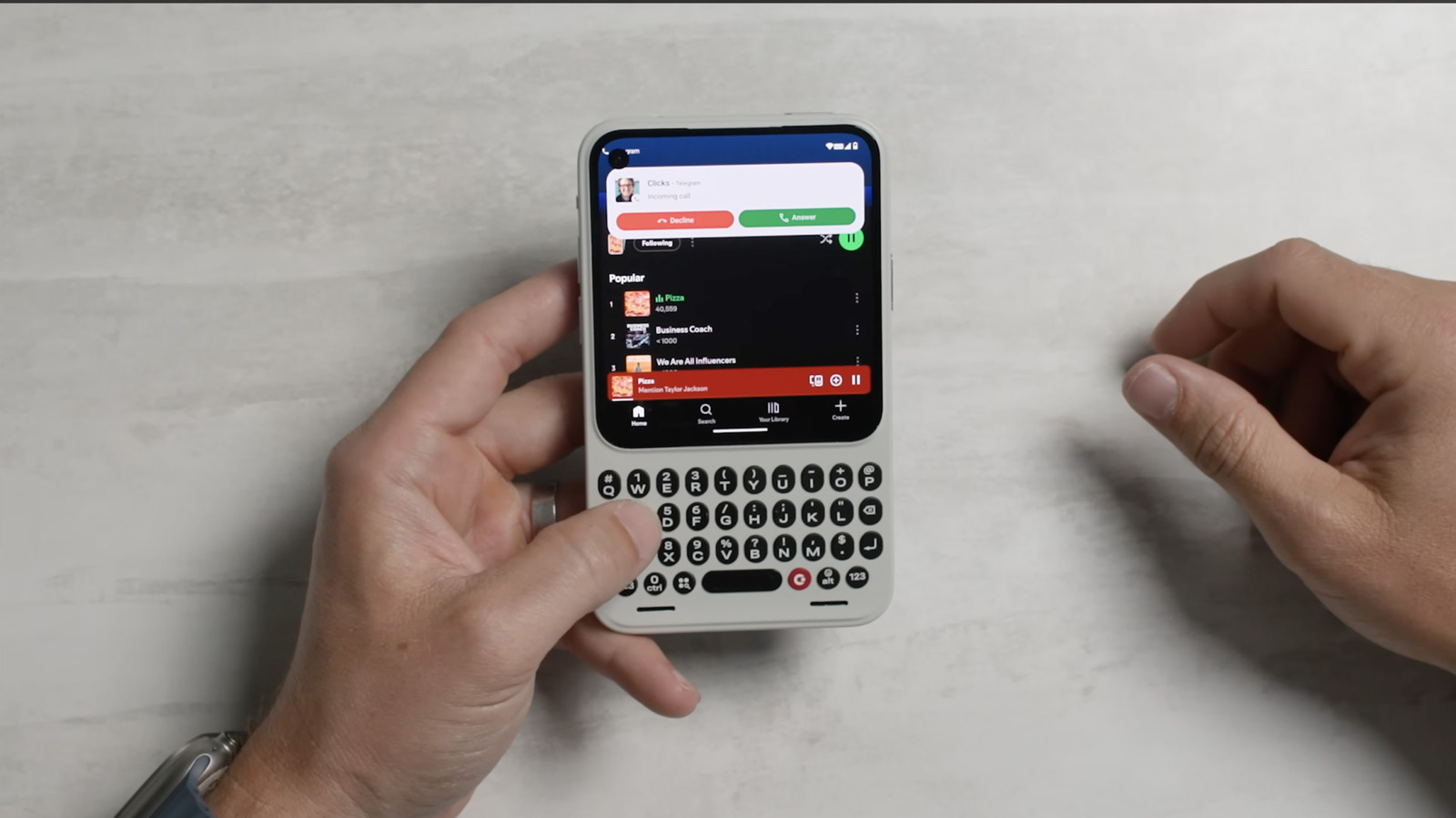
The new lineup is not merely a port of the original design; it is a custom-engineered solution for the diverse form factors of the Android ecosystem. By connecting via USB-C, these cases provide a direct, low-latency typing experience that bypasses the need for Bluetooth pairing. Beyond the tactile joy of physical buttons, the Clicks case serves a functional purpose: it reclaims the screen real estate typically lost to the software keyboard, allowing users to see more of their content while they type.
The appeal of the Clicks case isn't just for nostalgia; it's about reclaiming screen real estate and gaining the precision that only physical keys can provide.
The integration for the Motorola Razr+ is particularly noteworthy, as it adapts the keyboard to the unique constraints of a flip-style foldable, effectively turning the device into a pocketable productivity powerhouse. With backlit keys and customizable shortcuts for launching apps or triggering AI assistants, the hardware feels like a natural extension of the Android experience rather than an afterthought.
A New Chapter for QWERTY
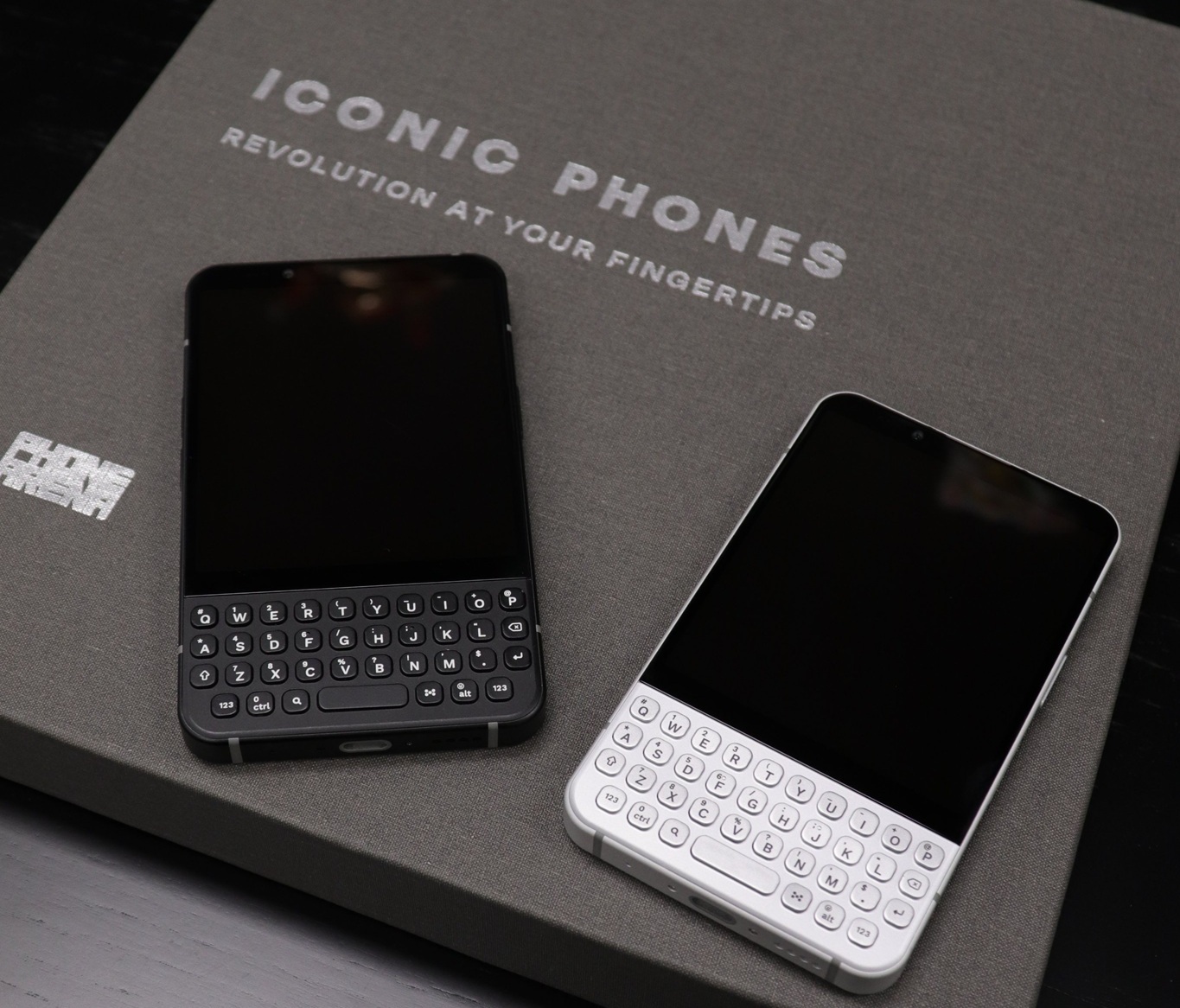
While these modern flagships are not native keyboard devices, the Clicks case bridges the gap between contemporary power and classic ergonomics. Unlike the dedicated QWERTY devices of the past, which were built around the keyboard as a primary interface, these cases offer a modular approach. You get the best of both worlds: the massive, high-resolution displays of modern flagships when you want them, and the tactile, error-free typing experience of a classic BlackBerry or Palm device when you need to get work done.
If you are as passionate about the tactile experience as we are, we invite you to browse our community forums and resource guides to see how others are integrating these new tools into their daily workflows. Whether you are looking for tips on mastering keyboard shortcuts or just want to share your thoughts on the latest hardware, there is always a seat at the table for fellow keyboard enthusiasts.